Gneiss
A downloadable tool for Windows and macOS
Up to a point, Gneiss is a well-behaved filter. Turn break up or push resonance into self-oscillation and it becomes a feedback system where a filter is only one of the states it can settle into - and one that's exquisitely sensitive to what you feed it, which is why it blooms on drums and rhythmic busses.
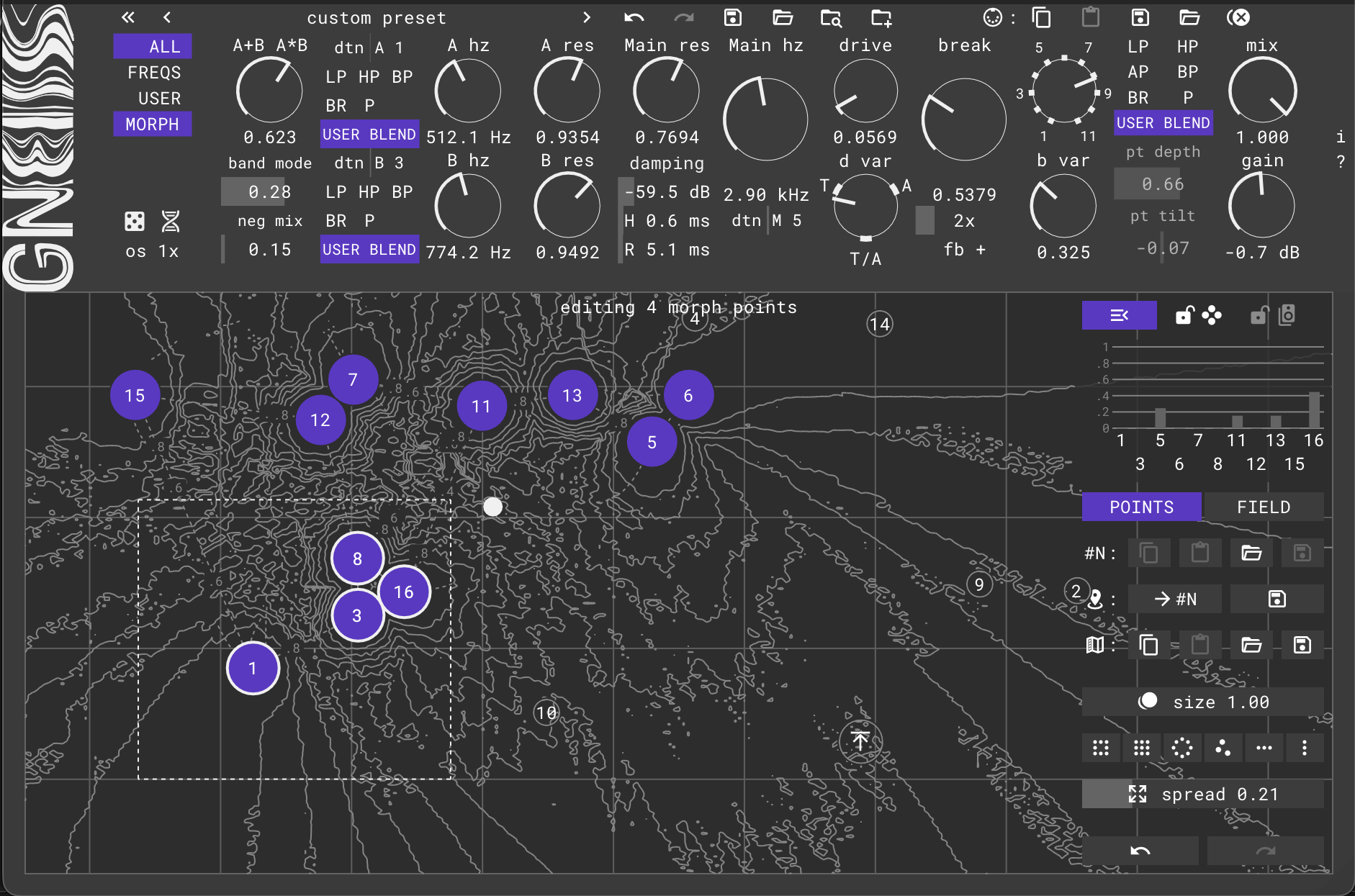
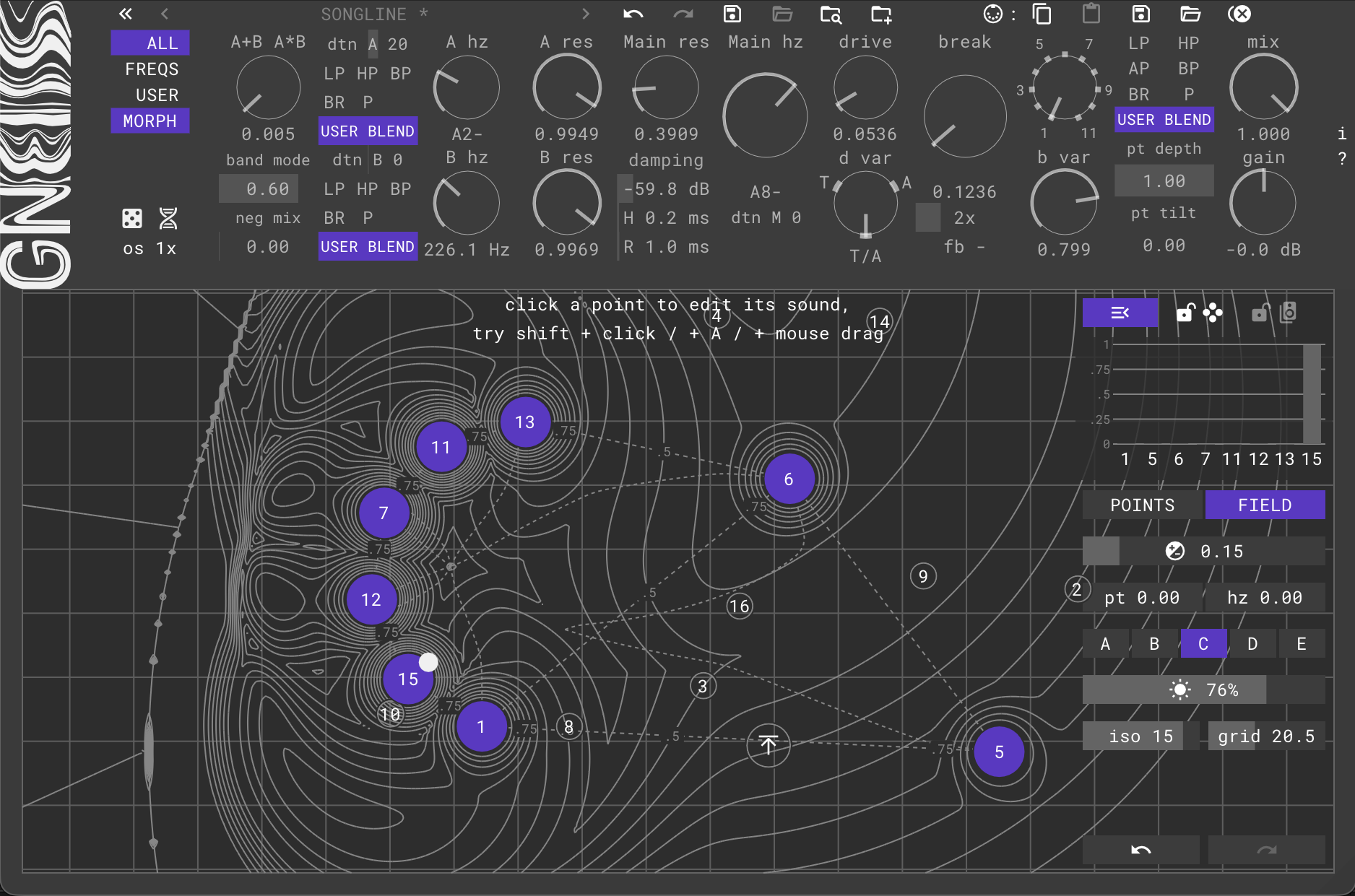
When the parameter space is that non-linear, sweeping one knob is a poor map. That's what the morph pad is for: you keep the sounds you like as landmarks and travel between them on purpose.
The morph pad
- Up to 16 morph points, each a snapshot of the whole patch; the blend follows your distance to them.
- Points you can work with - copy/paste a point's sound, load a preset straight into a point, select one or many and edit them all with a single knob move.
- Arrange whole formations - six layouts and a spread slider that resizes a group around its own centre.
- Five weight-field models - the character of the field itself, from the most local to a noisy city map that's rough to travel.
- Extra contrasts for pass types and cutoff frequencies - sharpen just those, and resonances land on the notes you authored instead of sliding between them.
The rest of it
Two resonant 12 db/oct pre-filters with continuous parallel/sequential routing; a ZDF transistor ladder with continuous pass-type depth and tilt, drive and an endless ring of saturation curves; damping, break, oversampling; MIDI CC mapping and MIDI-note-played cutoffs; randomization and mutation that generate coherent patches, undo/redo, USER tab you lay out yourself and lots of presets to play with.
CLAP / VST3 / AU
System requirements: Windows 10+, macOS 10.13+
Installation instructions
User manual
Free and full
A free version is available. It plays any patch at full fidelity - nothing is muted on playback, including patches built with all 16 points. The full version unlocks the authoring: points past the fifth, point size, the layouts and spread, the selection box, the additional contrasts, the weight-model picker, and a clipboard for moving a morph field, USER layout or CC map between instances in a copy/paste way.
Please read: Free and paid - how this works
Where this is going
Planned: a diode ladder, modulators, customisable point appearance, and a batch of refinements (tone correction, AGC and more).
Buy it once and every future update is included, whatever the plugin costs by then.
Purchase
In order to download this tool you must purchase it at or above the minimum price of $75 USD. You will get access to the following files:
Download demo